

Stop searching. Start discovering.
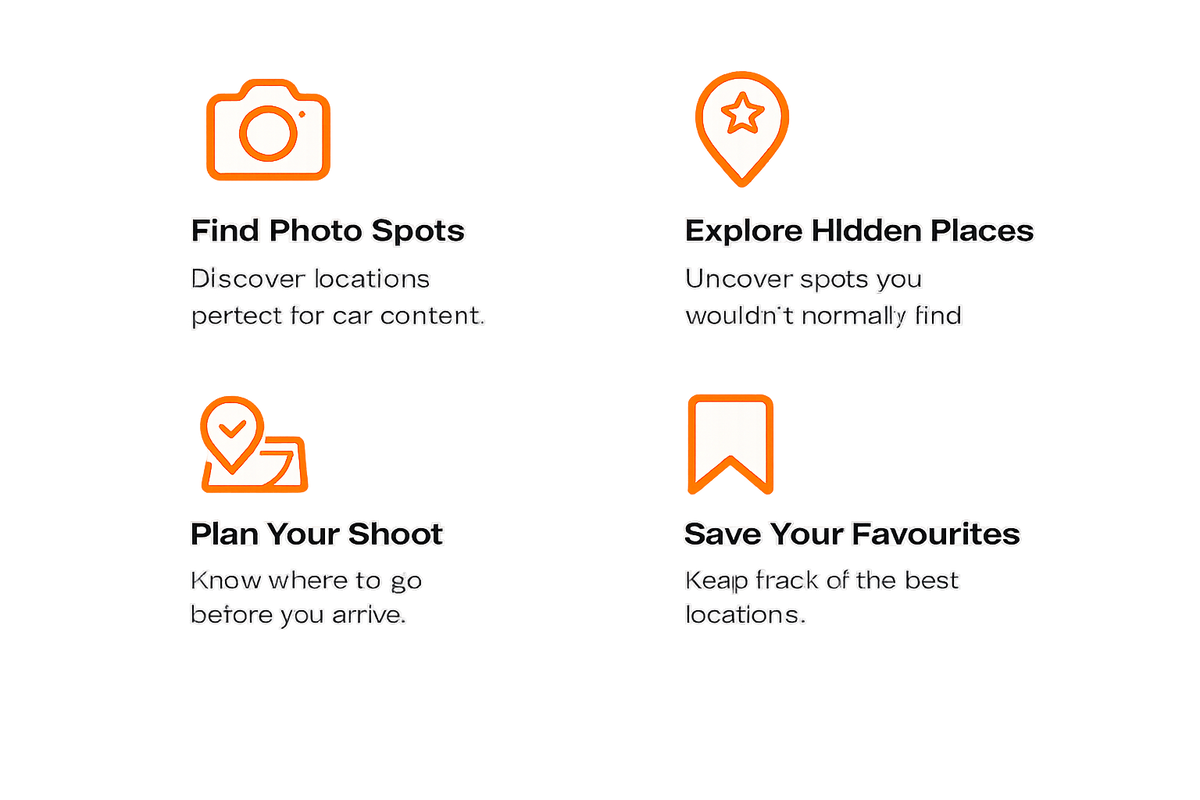
No more guessing where to go - find proven spots that actually look good on camera.

Step 1
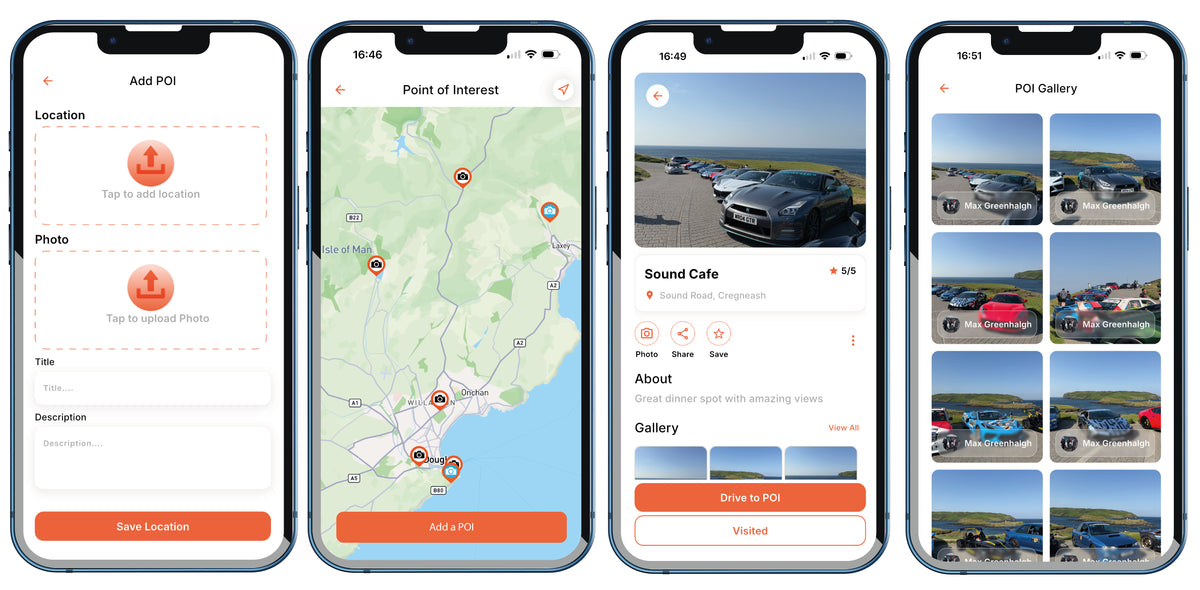
Open POI Map
When you open the POI map you can view all the POI other users have added. You can also add your own POI.

Step 2
Adding a POI
Its super easy to add a POI, just fill out the information an attach your photo to it and show off the best content spots found by yourself!

Step 3
Viewing a POI
When viewing a POI you can see all other users attached images at that location, you can save it and come back later, mark as visited or navigate your way there to get your own photo!

Step 4
POI Gallery
In the poi gallery you can see all other users photos attache at the certain POI.
FAQs
What are POI spots in Carmunity?
POI spots are curated locations - like scenic roads, viewpoints, and urban backdrops - perfect for car content and photography.
Do I need to pay to use this feature?
Basic access to discover spots is free, with additional features available in Pro.
Are the locations verified?
Spots are added and shared by the community, helping highlight places that actually look good and are worth visiting.